Heat.net Store Home
|
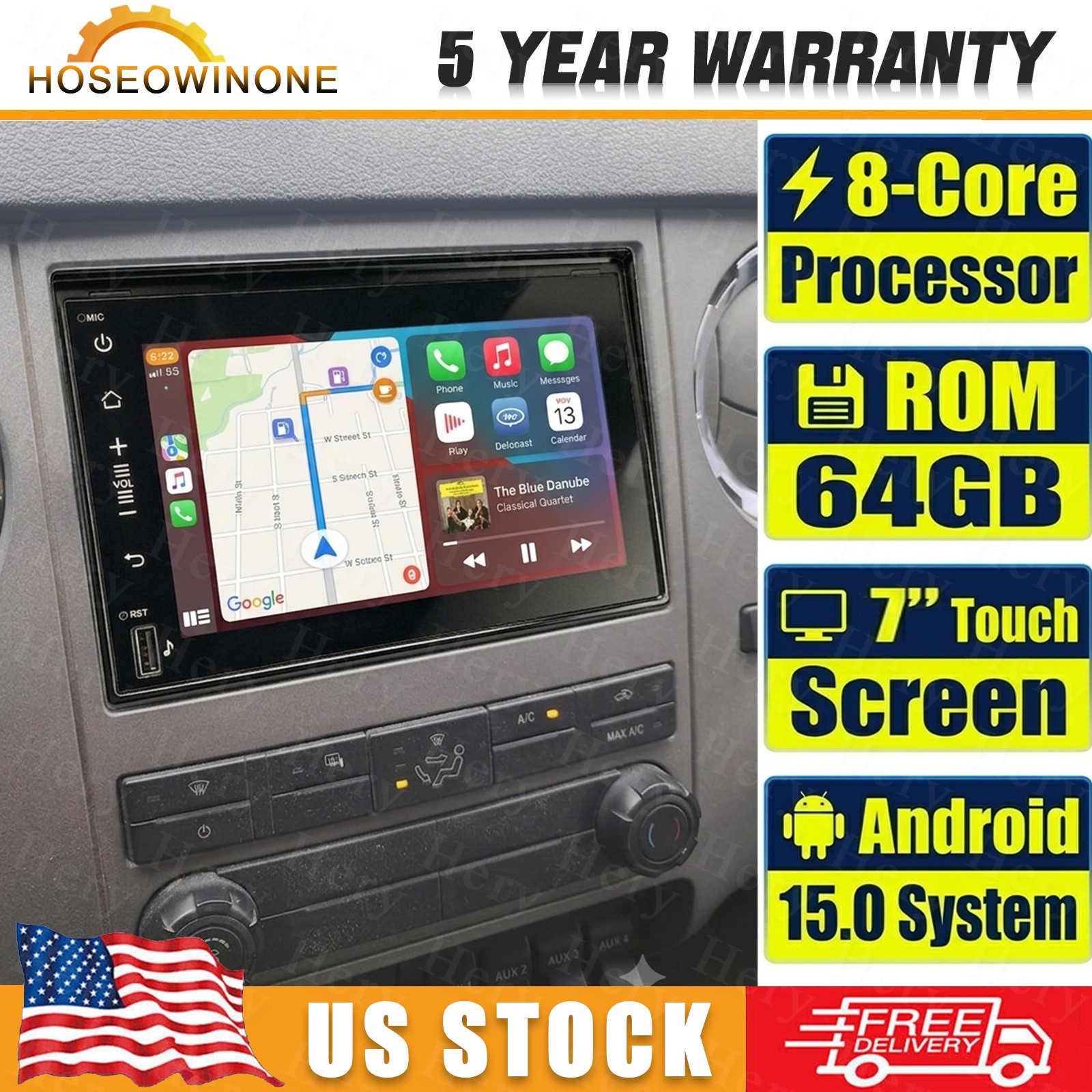
7" Android 15 Car Radio Stereo For 06-16 Ford F-250 F-350 Super Duty CarPlay BT For Sale

When you click on links to various merchants on this site and make a purchase, this can result in this site earning a commission. Affiliate programs and affiliations include, but are not limited to, the eBay Partner Network.

7" Android 15 Car Radio Stereo For 06-16 Ford F-250 F-350 Super Duty CarPlay BT:
$158.99
Specifications: - System:Android 15
- Screen size: 7''
- Memory: 2GB (RAM)+64GB (ROM)
- Screen Resolution:1280*720
- CPU: 8 cores
- Bluetooth Version:5.0
- Power output:4*45W
- Voltage:DC 12V
- Work temperature:-20℃-70℃
- Apple CarPlay: Support Wireless/Wired Connection
- Android Auto: Support Wireless/Wired wheel control function:Support
- camera: support
- Reversing input: AHD/CVBS
- Video output:Support
- Maps:Built-in offline maps(requires internet to download data)
- USB:Double USB interface
- Radio Band:FM/RDS
- Audio format:APE/FLAC/WAV/MP3/WMA etc
- Video format:MKV/RMVB/AVI/MP4/MDV etc
- Picture format:PNG/JPEG/JPG/GIF/WBMP/BNP etc
- Bluetooth keyword:0000
- Factory setting Arabic, Russian, Hebrew, Spanish, Italian, French, Thai, German, Japanese, Korean, Turkish, Czech, Hungarian, Dutch, Polish, Swedish, Ukrainian, Romanian, Greek, Danish, Finnish
Package Included: - 1 x Car Android Stereo Radio
- 1 x Power Cable
- 1 x RCA Input Cable
- 1x USB Cable
- 1 x Camera Input Cable
- 1 x USB adapter Cable
- 1 x GPS Antenna
- 1 x Instruction manual
- 1 x Canbus Box
- 1 x Radio adapter cable
- 1 x AHD Camera
FAQ: Q1. Why can't turn on the car radio ? - Please check the Voltage of car radio: 12V
- When you test this car radio,you can combine the red and yellow wires and connect them to the positive side of the power supply.Black line to negative power supply.
- Replace the same type of insurance to test the car radio.
- Note: Please must use our power cables to connect our car radio,it is not possible to insert the original car plug directly into our machine.
Q2. Why the car radio will show "No Signal" when we reversing? - Please check if the camera's line is properly connected to the car radio.
- Note: The video port of rear camera must insert the "CAMIN" port of car radio.
Q3. Why does the camera display "!" and "Can't watch video while driving" when I use USB to watch videos? - Please turn off the "Video Warning" function in the settings,then will be OK.
Q4. Why can't search FM? - No radio antenna inserted.
- Please check if the radio antenna is plugged in. Please insert more antennas several times to make it well contacted.
- The signal of your location is not good. Please go to a better place to test again.
- The radio antenna on the car is broken/no effect; please replace the radio antenna and test again.
Q5. Why can't connect the Bluetooth of car radio? - Open the phone settings interface, open the Bluetooth in the Bluetooth function, search for Bluetooth devices, find the player's Bluetooth model to be paired; if you need a pairing code, enter 0000; if not, try 1234 or 123456.
- Please try to use another mobile phone to test this function.
- All methods are correct and still cannot use Bluetooth, Please unplug the plug on the back of the player and plug it in after 3 minute.
Store CategoriesStore Categories
|
|
Other Related Items:
Related Items:Too many requests. |