When you click on links to various merchants on this site and make a purchase, this can result in this site earning a commission. Affiliate programs and affiliations include, but are not limited to, the eBay Partner Network.
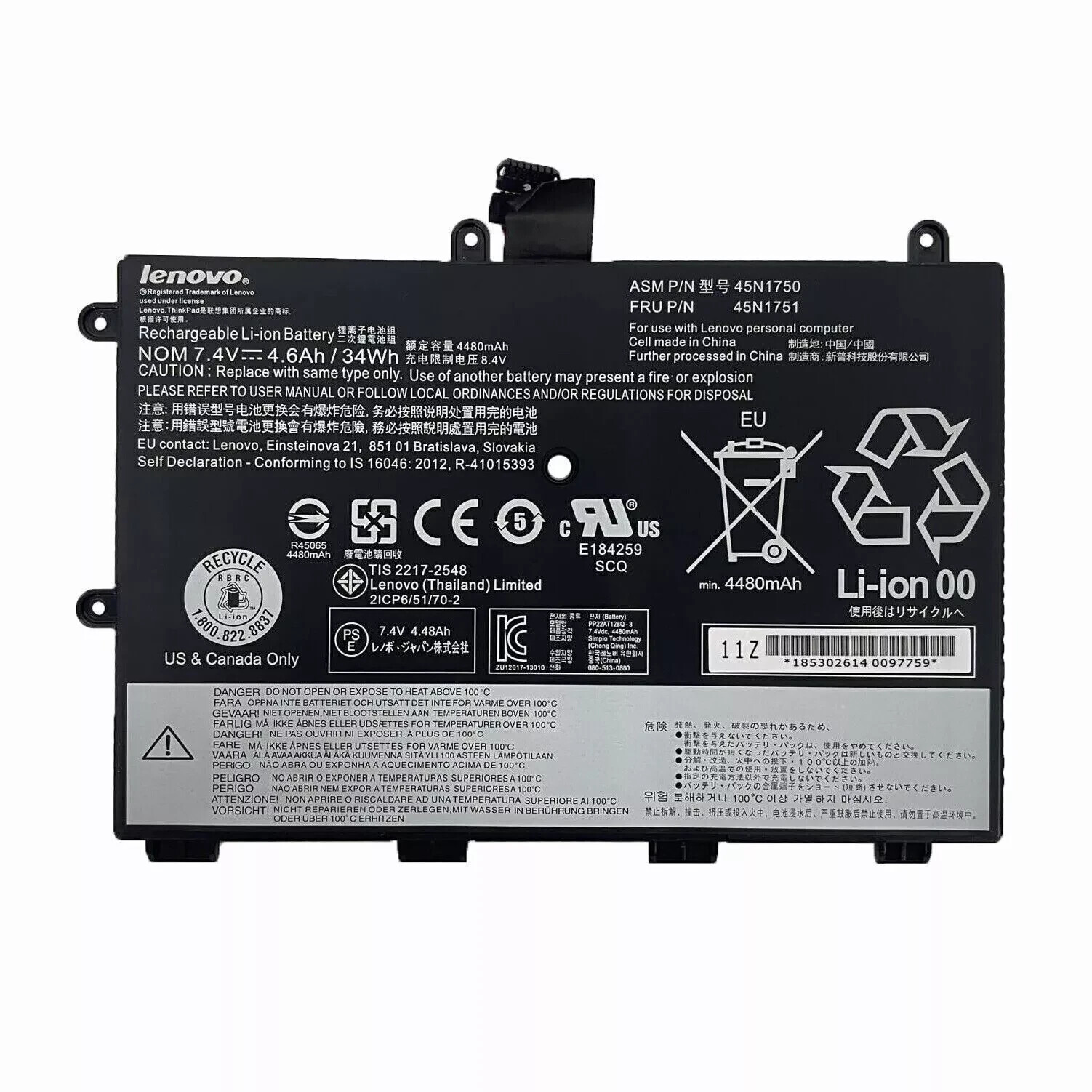
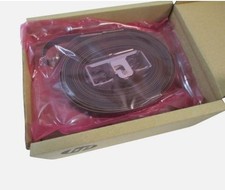
Genuine 34WH 45N1751 Battery For Lenovo ThinkPad Yoga 11E Series 45N1749 45N1750
Descriptions&Features:
Brand: NEW
Voltage: 7.4V
Capacity: 34Wh
Color: Black
Battery Type: Li-ion
Warranty: 1 year
USA Warehouse Stock (2-9 days delivery) (Plz contact us if do not delivery within 12 days,offer full refund or resend for free)
Warranty:
30 days Money Back Promised!
60 Days Free Exchange With Paid Return Label!
1 yearAnytime Worry-Free Warranty!
100% Satisfaction Guaranteed!
Replace with Part number:
45N1748 45N1749 45N1750 45N1751
Compatible with:(press Ctrl + F to quickly find your notebook model)
For Lenovo ThinkPad Yoga 11E Series Laptop
ThinkPad Yoga 11e(20D9A006CD)
ThinkPad Yoga 11e(20D9A007CD)
ThinkPad Yoga 11e(20D9A008CD)
ThinkPad Yoga 11e(20D9A009CD)
NOTE:Please check the model number before you place order! Our compatible model list is not complete,if you can not find your laptop model in it please contact us .
-FAQ:
1.Q:why battery don\'t hold a charge, how to fix it?
A:this is new battery,for first use, we suggest buyer:
Remove the battery for a while
Install battery and full charge it by ac adapter
Leave charger and let the battery drain to shut off
Repeat above charging and discharging at least 2 times.
you charge the battery when power lower than 20%. If available, connect ac charger when doing computer work.
If run the battery shut down often, it will shorten the battery life.2.Q:battery can\'t charge fully,how to fix it?
A: Remove the battery for a while
Install battery and full charge it by ac adapter
Leave charger and let the battery drain to shut off
Repeat above charging and discharging at least 2 times.3.Q:Battery can\'t be recognised by my laptop, do i need exchange a new one,
A:we met this issue before, maybe beacuse of your laptop system, we suggest you can:
Remove all battery drivers
Remove battery
Connect laptop using AC charger, double check no battery drivers installed
Connect battery
Drivers will install automatically
Full charge the battery by ac adapter
Leave charger and let the battery drain to shut off
Repeat full charge and full discharge about 2 times.
if still not be solved, please contact us and exchange a new one.4:Q:Battery dies suddenly at about 20%, do i need to recalibrate?
A:Kindly check the battery settngs and BIOS,do reset something,
then:
Remove the battery for a while
Install battery and full charge it by ac adapter
Leave charger and let the battery drain to shut off
Repeat above charging and discharging at least 2 times