When you click on links to various merchants on this site and make a purchase, this can result in this site earning a commission. Affiliate programs and affiliations include, but are not limited to, the eBay Partner Network.
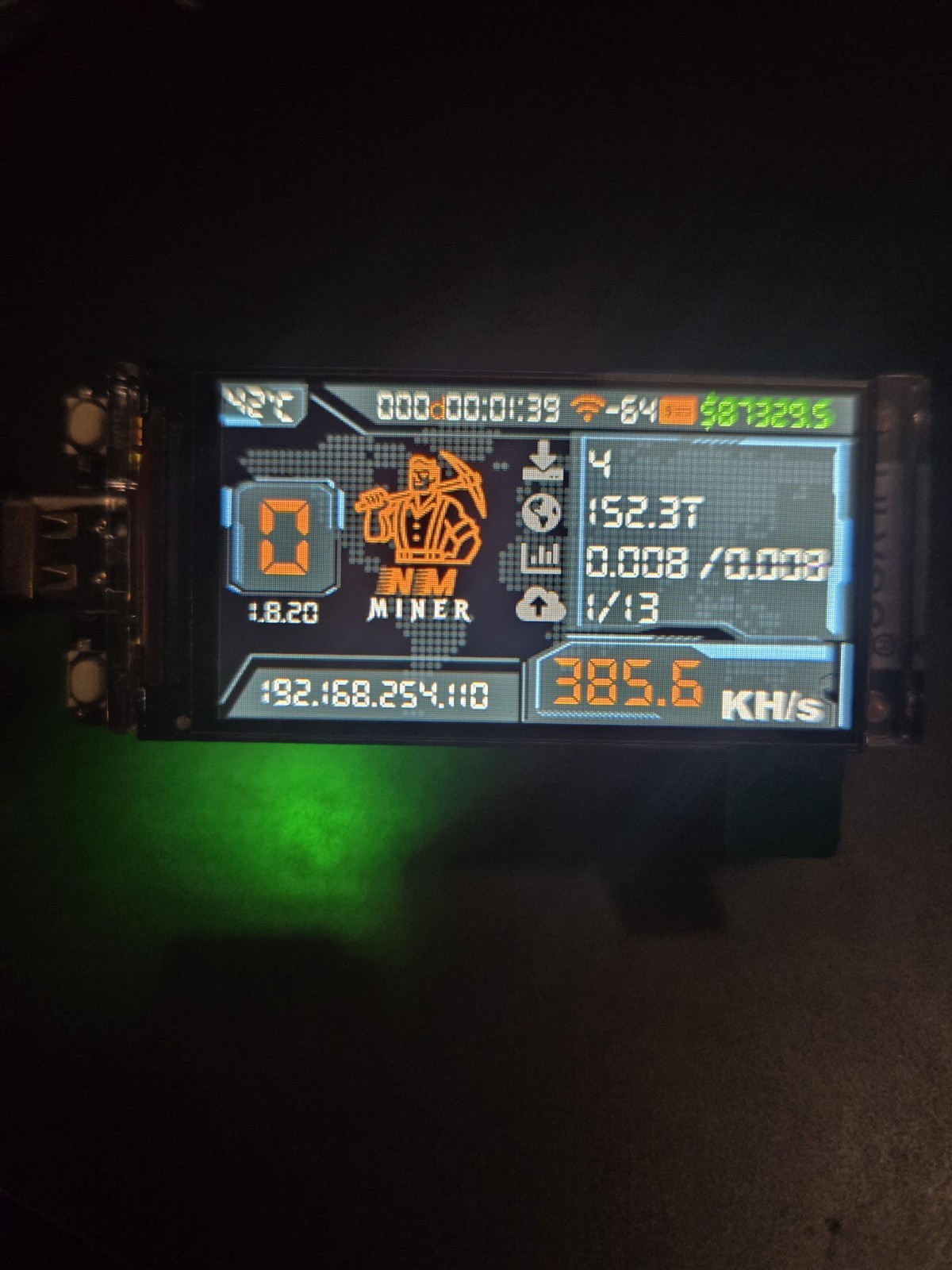
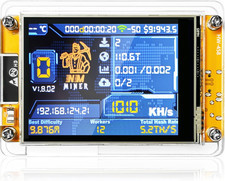
Same NMMiner firmware, more compact device 😎 nice resolution screens, smaller and easier to assemble more organized USB farm-setups
🔥For the Full-Size 1000kh/s+ version, see other listings!🔥
Message me with any questions, I\'m glad to be continued support after you recieve your product 😊
If you like the NerdMiner project and devices, you will love having an NMMiner added to your solo-mining farm! Awesome looking devices.
Unlike NerdMiner, which is Open-Sourced, NMMiner is not, and the developers require a license to run the program per device.
♤All devices are PRE-ACTIVATED and tested before shipping♤
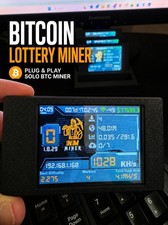
Full screen interface now shows the price of BTC as well! See pictures.
Hashrate is significantly increased compared to NerdMiner firmware.
☆Beware of sellers that do not ship the device pre-activated! It is not free software, and the license is handled before the device is tested and shipped and is ready to mine when received☆
- NMMiner, tested and ready to configure. Instructions below!
- Low power consumption
- Fullscreen display, more compact!!!
- Easy setup.
- Faster Firmware than Nerdminer (Closed Source and License pre-paid) 1000KH/s (5%) > or <.
- NMMiner is not free software like Nerdminer. Save both shipping times and no need to buy a complicated license by buying with me!
Package contents:
- (1x) Bitcoin NMMiner
~Pre-flashed and tested~
1. Connect the Nerdminer to a USB port using the USB-C cable.
2. Open WLAN settings on your smartphone and look for \"nmap-2.4\"
3. Connect your smartphone to the Nerdminer, enter the SSID (publicly visible name of your WLAN network) and password 12345678
4. Finally, enter a Bitcoin address and click \"save.\" Do not touch the device ID and License fields.
5. The miner display will activate when valid settings are saved.